Before & After
Upgrade your Poshmark listing photos
Turn quick phone shots into clean, consistent closet imagery
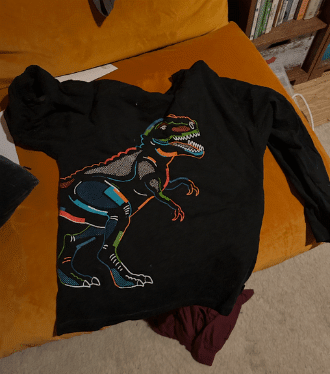 Original
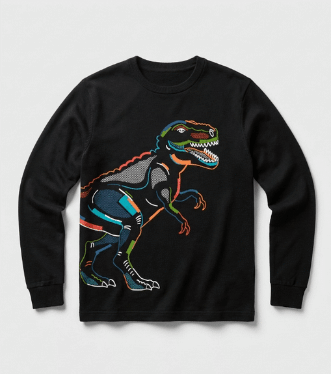 SnapSell.photo
SnapSell.photo helps Poshmark sellers create clean, consistent listing photos in minutes. Remove clutter, fix lighting, and build a polished closet that earns more likes and offers.
Turn quick phone shots into clean, consistent closet imagery
Original
SnapSell.photo
Built for Poshmark sellers who want consistent, high-converting closets.
Use your normal flat lay, hanger, or mannequin shot. SnapSell.photo works with what you already have.
Choose clean backgrounds, ghost mannequin, or lifestyle looks that match your closet vibe.
Download polished images sized for Poshmark and upload in seconds.
Use the same item photo and create multiple listing styles instantly.
Before
After
Clean, bright shots that help your cover image pop in Poshmark search.
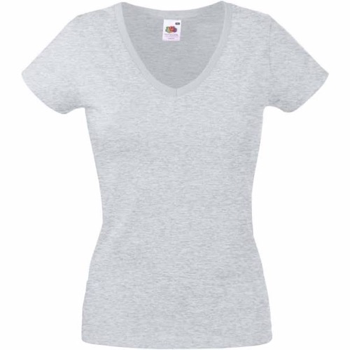 Before
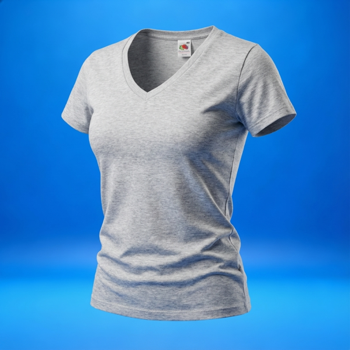 After
After
Show true fit and shape without hiring models or using mannequins.
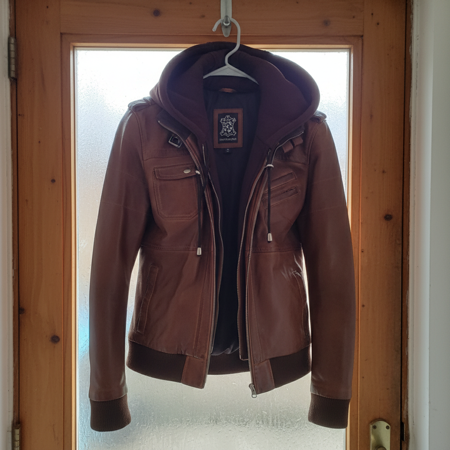 Before
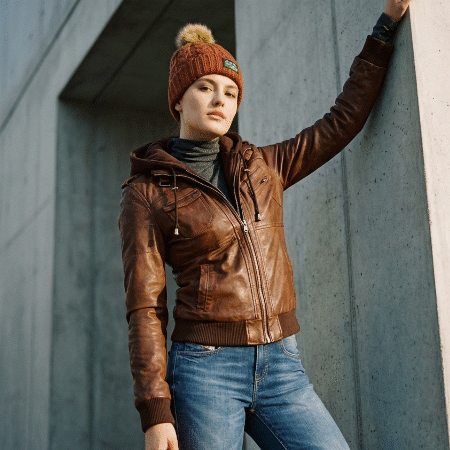 After
After
Add depth and context so buyers can picture how the item looks on.
Highlight best-sellers with model + product imagery designed to stop the scroll in Poshmark feeds.
Create a Hero Shot →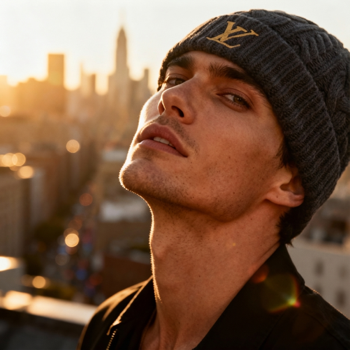
Better photos help your closet stand out in search and feeds
Polished visuals increase perceived value so you can list higher and negotiate less.
Remove backgrounds and fix lighting in seconds without a studio setup.
Clean, consistent thumbnails earn more clicks and saves in search.
Keep your Poshmark closet cohesive with matching lighting and framing.
SnapSell.photo automates the details that make listings feel premium.
Create standout imagery for your best-selling items
Get clarity before you upgrade your closet photos.
Yes. SnapSell.photo is built for real seller photos and upgrades them into studio-ready listings.
No. Use ghost mannequin and model shots without any in-person setup.
Start with your best angle. SnapSell.photo can create additional styles and angles from that single upload.
Most photos process in about 30 seconds so you can list quickly.
Shoot on a plain wall or flat surface, then remove whatever is left behind the item. SnapSell.photo strips the clutter and replaces it with one consistent background so every cover photo in the closet matches.
On Poshmark, your cover photo is your first impression. Top-performing closets use bright, consistent photography with clean backgrounds that make items look boutique-quality. The Poshmark algorithm rewards listings that get early shares and likes, and strong photos are the biggest factor.
Photograph items on a flat white or neutral surface with plenty of natural light. Avoid busy backgrounds, wrinkled fabrics, and harsh shadows. For clothing, steam or iron items before shooting and use a hanger or lay them flat with clean edges. Include close-ups of labels, tags, and any unique details.
Pro tip: Poshmark's cover photo displays as a square crop. Frame your item centrally with breathing room on all sides. SnapSell.photo automatically optimises framing, cleans backgrounds, and creates consistent lighting across your entire closet.
Building a cohesive visual brand on Poshmark is the fastest way to move from casual seller to Poshmark Ambassador. Buyers spend more time in closets that feel curated and trustworthy, and consistent photography is the easiest way to achieve that.
Try SnapSell.photo free and transform your listing photos in minutes.
Start Free on SnapSell.photo