Before and After
Manual workflow vs SnapSell.photo
Same item, same phone, two completely different outcomes.
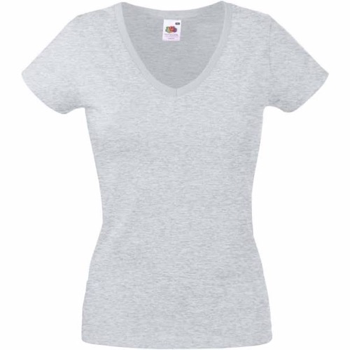 Manual
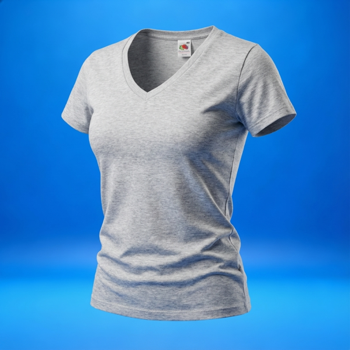 SnapSell.photo
If your workflow needs a lightbox, tripod, or 30 minutes of editing, it will not scale. The winners are fast, repeatable, and still look premium.
Same item, same phone, two completely different outcomes.
Manual
SnapSell.photo
Most setups look good once, then slow you down.
Looks pro but eats hours per batch. Great for one listing, bad for scale.
Fast but inconsistent. Listings look different every time.
Fast but low trust. Buyers scroll past.
Great quality, but too slow and expensive for most resellers.
Fast, clean, and consistent. Looks like a studio without the studio.
Perfect for clothing. Shows shape and fit without a model.
They are fast, repeatable, and make listings look premium.
Every listing looks like it belongs in the same shop feed.

Buyers see shape and detail without extra angles or edits.
Upload once, export multiple formats for every marketplace.
SnapSell.photo turns a basic photo into a listing that looks expensive.
Start Free